The Complete Guide to Order Bumps (Plus How to Add One to Every Product at Once)
Published On
Updated On

Brian Moran
Founder

Samara Lemon
VP of Marketing

Leilani Treuting
Marketing Director

Scott Moran
Co-Founder

SamCart is the digital business platform that builds, runs, and scales your online business. AI handles the hard parts, so you keep more of what you earn.
Table of Contents
Title
Share this article
Global order bumps let you create a single checkout offer and attach it to every product in your catalog at once - no more setting up the same bump product by product. Sellers using order bumps on SamCart see a 30%+ increase in average order value from the same traffic.
Across $7B+ in processed transactions, SamCart data shows that order bumps convert at 30-40% on average. That means for every 10 customers who reach your checkout, 3 or 4 of them add an extra product before buying. Global order bumps make it possible to capture that revenue across your entire catalog in minutes instead of hours.
Getting more traffic is expensive. Getting more revenue from the traffic you already have? That's smart business.
Here's something most online sellers don't think about: the moment someone pulls out their credit card to buy from you is the highest-intent moment in your entire funnel.
They've already decided to buy. They trust you. They're literally typing in their payment info.
And most sellers just let that moment pass. One product. One transaction. Done.
That's a mistake.
What are order bumps?
An order bump is an additional offer that appears on your checkout page. Think of it like the candy bar at the grocery store register. The customer is already buying. You're just giving them the option to add something else.
The key difference between order bumps and one-click upsells: order bumps appear during checkout, before the purchase. Upsells happen after the purchase. The buyer adds an order bump with a single click. No second purchase flow. No re-entering payment info. No friction.
And they work. Across SamCart's $7B+ in processed transactions, sellers who use order bumps consistently see a 30%+ increase in their average order value.
Let that sink in. If your average order is $97, bumps can push it to $126+. If you're doing $50,000 in monthly revenue, that's an extra $15,000/month. Same traffic. Same ad spend. Same effort.
The old problem with order bumps
If order bumps are so effective, why doesn't everyone use them?
Because they used to be a hassle.
You had to set up each bump individually on each product. Same configuration. Same copy. Same image. Over and over. If you had 20 products, that's 20 separate setups.
And if you wanted to change something? You had to go into each product and update the bump one at a time.
For sellers with large catalogs, this was a dealbreaker. The setup time wasn't worth it, even knowing the revenue impact.
How global order bumps work
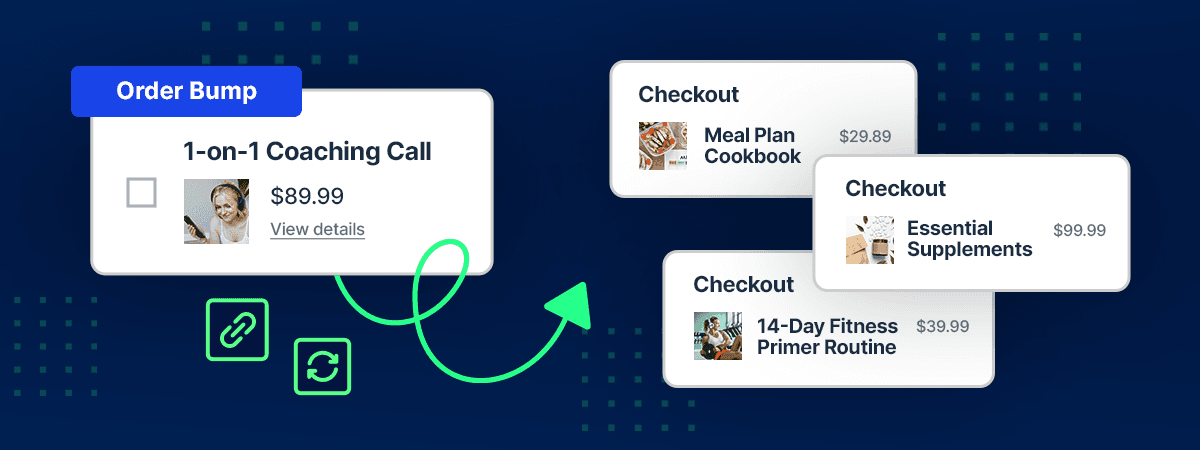
We built global order bumps to eliminate that friction entirely.
The concept is simple: create an order bump once, attach it to as many products as you want, and manage everything from one central place.
Here's how to set it up in SamCart:
Step 1 - Create your bump
Navigate to Offers > Order Bumps and click Create Order Bump. Select the product you want to offer as a bump. SamCart automatically pulls in the product name, description, image, price, and strikethrough price. You can customize any of these, but you don't have to.
Step 2 - Customize (if you want)
Override the product name for checkout display. Upload a custom image. Toggle the description and strikethrough price on or off. Choose your layout and button style. Your bump automatically inherits your marketplace branding. Override per bump if you want a different look.
Step 3 - Attach to products
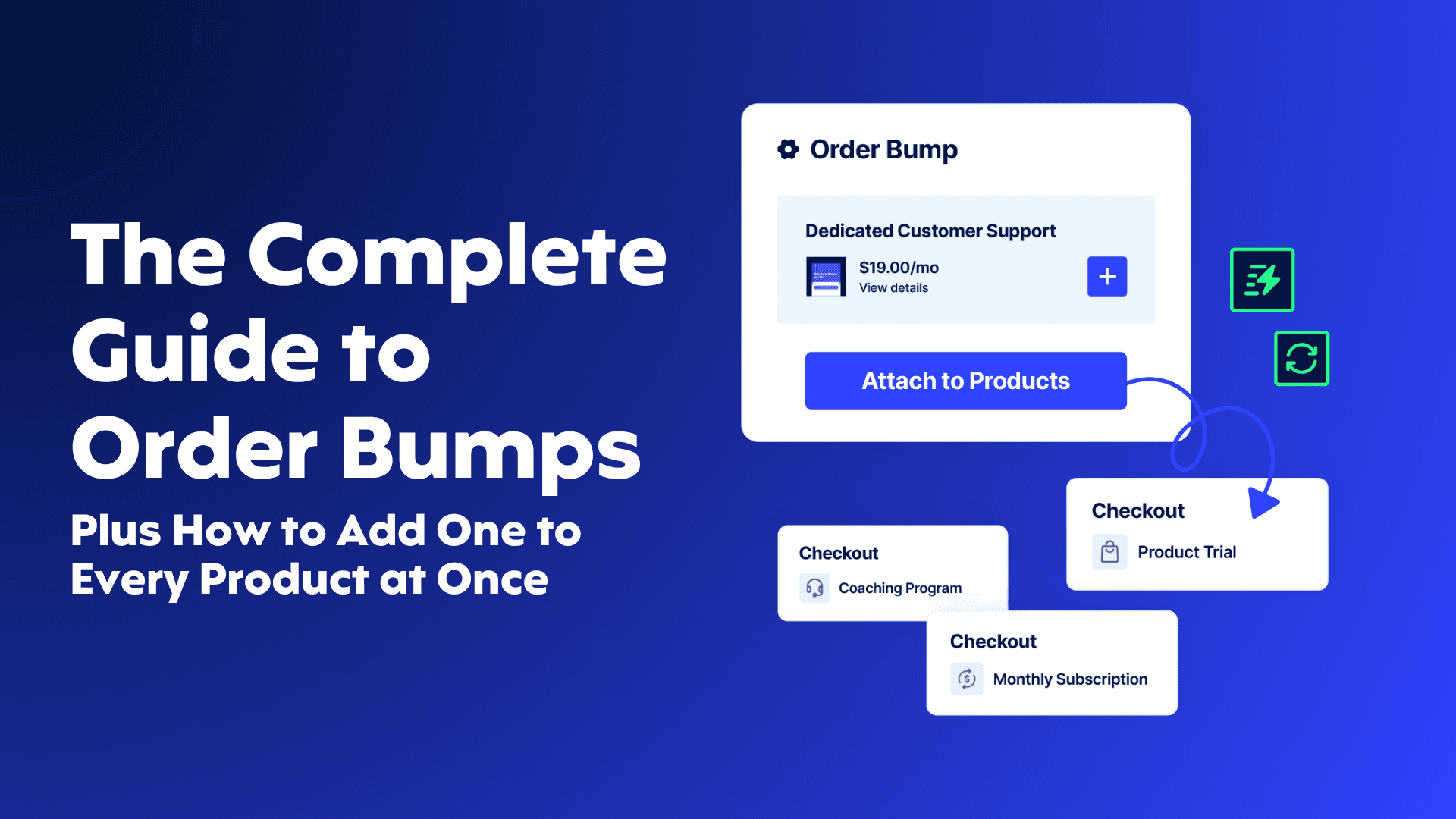
This is where it gets good. Click Attach to Products, search or filter your catalog, and select every product where you want this bump to appear. 10 products? 100 products? One click. Your bump is now live on every selected checkout page instantly.
Step 4 - Manage from one dashboard
All your bumps live in Offers > Order Bumps. See how many products each bump is attached to. Edit, duplicate, or delete from one view. Any change you make automatically updates everywhere it's attached.
Best practices for high-converting order bumps
Choose complementary products. Your bump should feel like a natural addition. Selling a course? Bump a workbook. Selling software? Bump a setup guide.
Price your bump at 20-40% of the main product. A $97 course with a $27 bump feels like a no-brainer. A $97 course with a $97 bump feels like a second purchase decision.
Frame it as faster results. The best bump copy answers one question: "How does this help me get results faster?" Speed and convenience sell.
Use the strikethrough price. Showing the original price crossed out creates immediate perceived value. SamCart includes this by default.
Keep the description short. Two to three sentences max. The buyer is mid-checkout. Tell them what it is, why it helps, and let them decide.
Test different products as bumps. Not every product converts equally well as a bump. Try a few options and let the data tell you what works. SamCart's reporting dashboard shows you exactly which bumps perform best on which products.
The math that matters
Without order bumps:
100 sales/month at $97 = $9,700/month
With a $27 order bump (35% take rate):
100 sales at $97 = $9,700 35 bump sales at $27 = $945
Total: $10,645/month
That's an extra $945/month from 5 minutes of setup. Over a year, that's $11,340 in revenue you would have missed.
Now pair that with a one-click upsell after purchase. SamCart data shows upsells boost average order value by 68%. Stack an order bump before checkout and an upsell after checkout, and a single $97 customer can easily become a $150 to $200+ transaction.
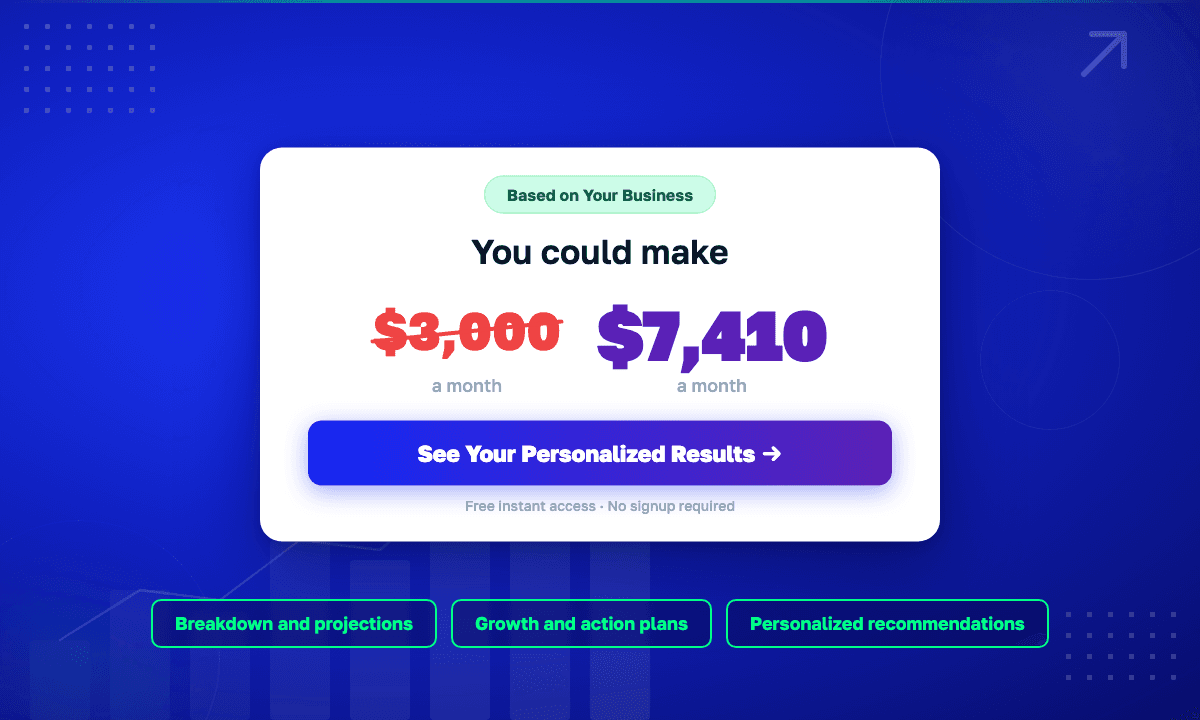
Scale that across multiple products with 500+ transactions a month and the impact compounds fast. Use the Creator Revenue Calculator to model what this looks like with your specific numbers.
What about existing order bumps?
If you already had order bumps set up in SamCart, they've been automatically migrated. Everything is in Offers > Order Bumps with your original settings intact. Checkout pages weren't affected.
If you see duplicate entries (same bump on multiple products), consolidate at your own pace. Create one global bump, bulk-attach it, and delete the extras.
Start making more from every checkout
Global order bumps are live in SamCart now. Already on SamCart? Log in and go to Offers > Order Bumps to set up your first one.
Not on SamCart yet? Start your free trial and set up your first global order bump in under 5 minutes.
The traffic you're already paying for is worth more than you think. Order bumps prove it.
Related reads:
SamCart Editorial Team
Brian Moran
Founder
Samara Lemon
VP of Marketing
Leilani Treuting
Marketing Director
Scott Moran
Co-Founder
Frequently Asked Questions
Frequently asked questions
What plans include global order bumps?
Global order bumps are available on the Grow, Scale, and Core plans. Check SamCart pricing for full plan details.
What's the difference between an order bump and an upsell?
An order bump appears on the checkout page before the customer completes their purchase - they add it with a checkbox. A one-click upsell appears after the purchase is complete, on a separate page. Both increase average order value, but they work at different points in the checkout flow. The best strategy is to use both together.
How much should I price my order bump?
Keep it at 20-40% of your main product price. A $27 to $47 bump on a $97 to $197 main product hits the sweet spot where it feels like an easy add-on rather than a second buying decision.
Can I attach one order bump to my entire catalog?
Yes. That's exactly what global order bumps are for. Create it once, click Attach to Products, select everything, and it's live across your whole catalog instantly.
Do order bumps slow down the checkout process?
No. Order bumps are a checkbox on the existing checkout page. They don't add steps, don't require additional payment info, and don't redirect the customer anywhere. That's why they convert so well - zero friction.